Rope access operations

Every drop verified. Every site accounted for.

Scheduling, drop tracking, safety records, and client reports for rope access companies. Every drop and incident carries a photo, GPS position, and timestamp.

A 30-minute walkthrough on one of your buildings.
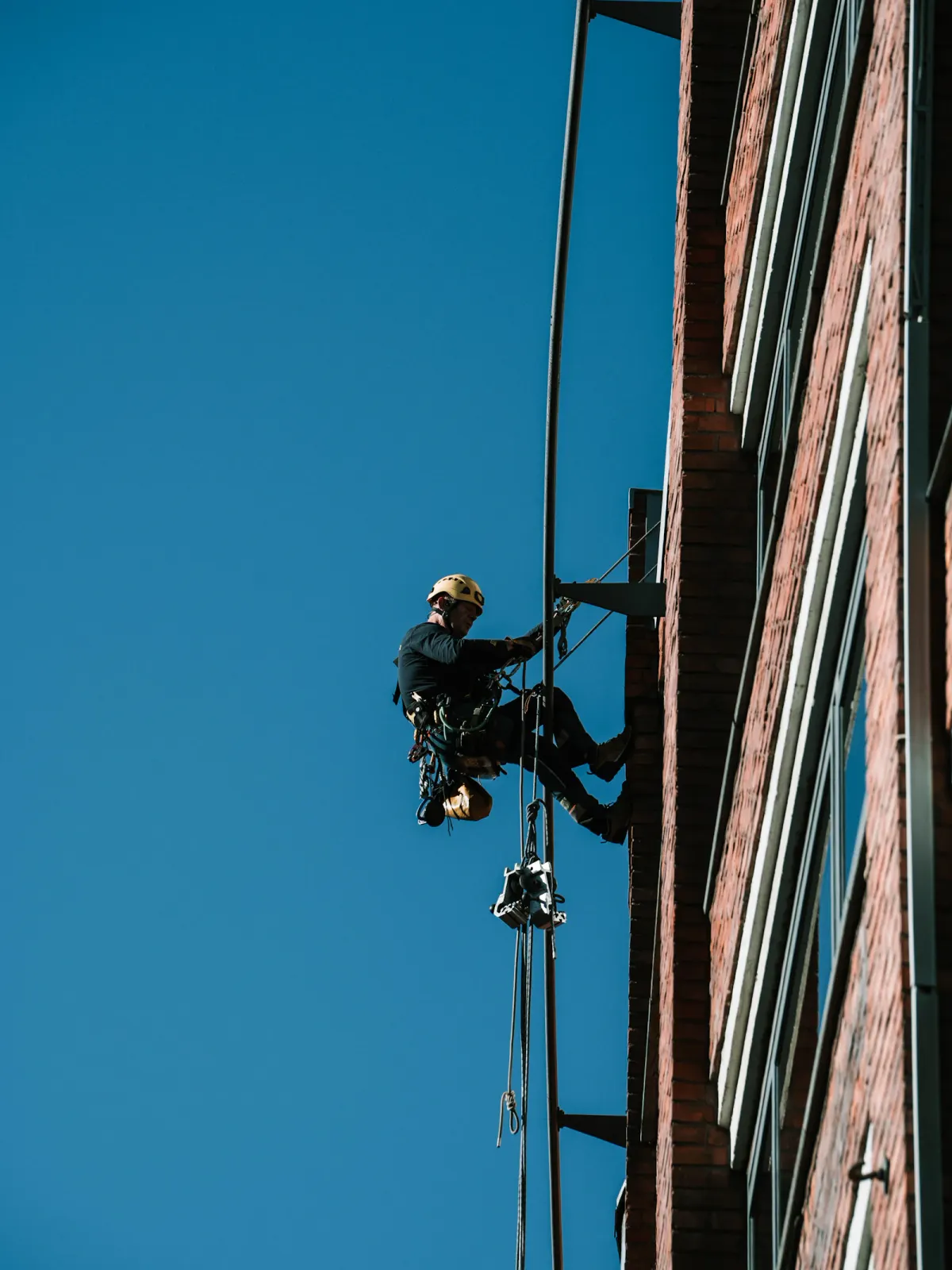
Rope access technician suspended beside a brick facade against a blue sky
Drop logged
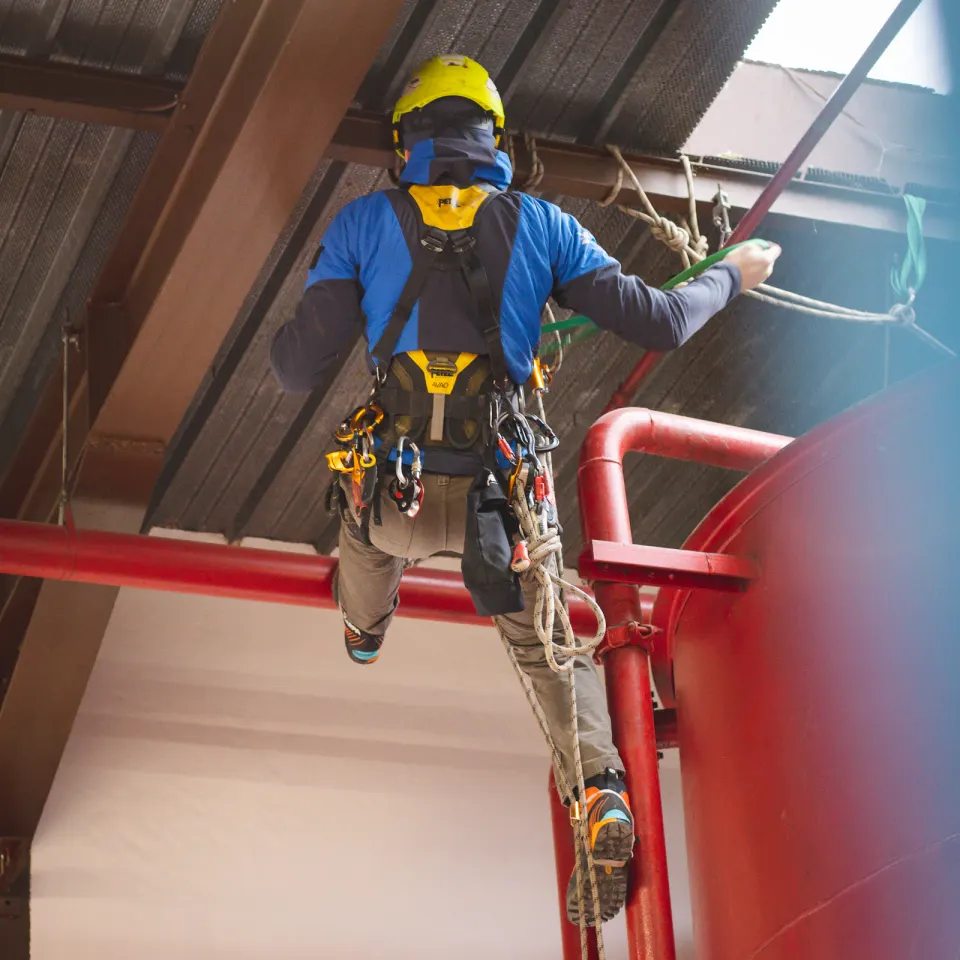
Technician in a yellow helmet ascending ropes beside a red industrial railing
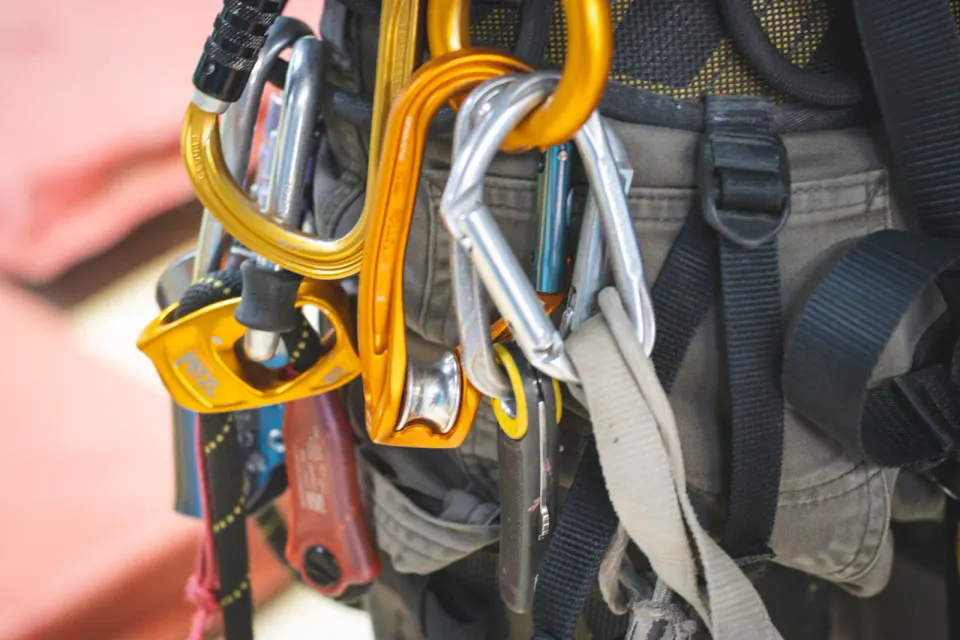
Close-up of carabiners and rope access equipment attached to a harness
  • Geofenced check-ins
  • Wind and weather gate
  • IRATA and SPRAT certification tracking
  • Company data isolated
Hands tying a knot in a rope during a rope access briefing

Safety record

A safety record you can hand to a client.

Geofenced check-ins

Check-ins and drops are accepted only inside the site boundary.

Weather gate

Wind, gust, and rain are checked per site and stored with the day’s record.

Certification tracking

IRATA, SPRAT, and first aid expiry dates on every technician profile.

Incident evidence

Every incident carries a photo, severity, GPS position, and timestamp.

See safety compliance

For the technician

Certified professionals. A record that proves it.

  • Certifications and expiry dates on a profile the technician owns
  • Every check-in and drop adds to a verified work history
  • One phone app for drops, incidents, and equipment, online or offline
Explore the technician app
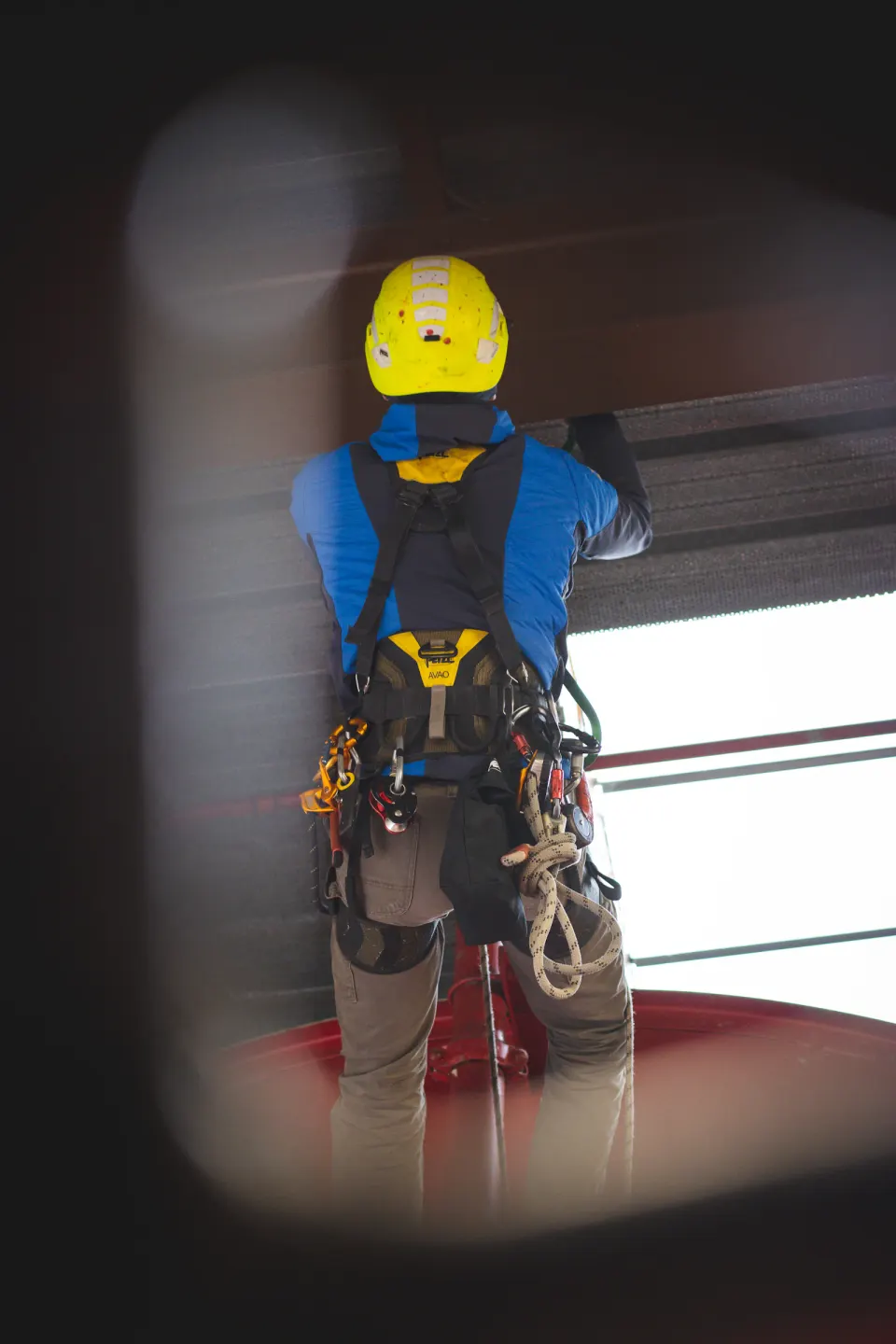
Rope access technician in a yellow helmet and harness working inside an industrial structure
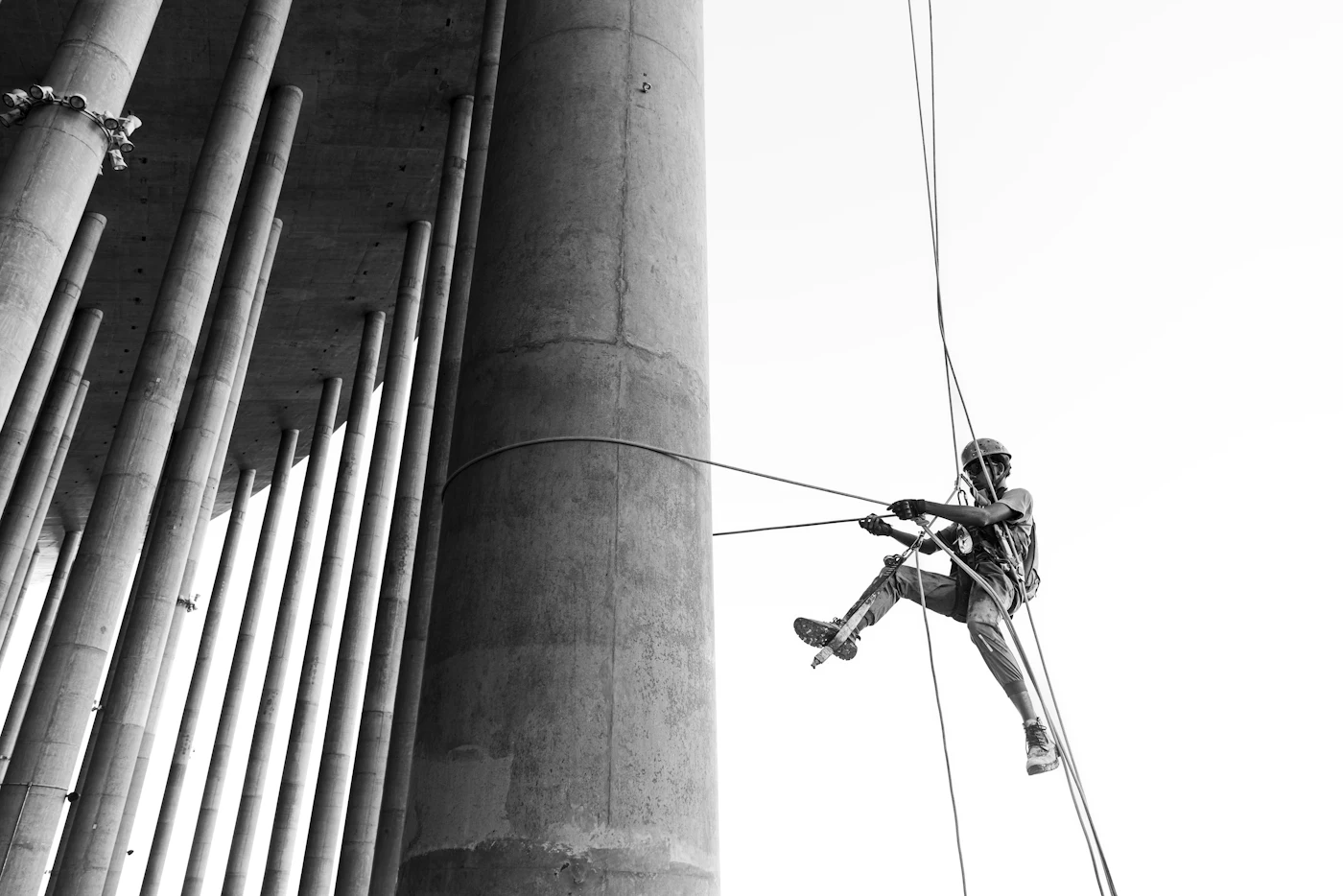
Technician rappelling down a tall concrete structure
Technician profileIllustrative example
IRATA Level 3
Valid
First aid
Expires in 30 days
Drops this week
42

How it works

From the first rig to the final report.

  1. 01

    Plan the site

    Draw the boundary. Set drops per building face.

  2. 02

    Schedule the crew

    Assign technicians by certification and availability.

  3. 03

    Log every drop

    Photo, GPS, and timestamp from the phone.

  4. 04

    Report to the client

    Review the daily report and send it.

Progress by building faceIllustrative example
Aerial view of a high-rise roof with the site boundary outlinedSite geofence
Drops completed25 of 50
North
9/14
East
11/11
South
5/14
West
0/11

Photos, location, and timestamps in one record

From the building to the office

Know what is done on every face.

  • Drop counts by north, south, east, and west face across active sites
  • Equipment requests from the phone through approval and delivery
  • Client reports built from reviewed progress and photos
  • English and Spanish for every crew member

Security and data

How your data is protected.

Read the technical overview
Data isolation
Each company’s data is isolated at the database level with row-level security.
Private storage
Photos and documents are kept in private storage and served through signed links.
Audit trail
Records are timestamped by the server and never hard-deleted.
Roles and permissions
Owner, admin, coordinator, and viewer roles with per-user overrides.

Frequently asked questions

See Cordix on one of your buildings.

A 30-minute walkthrough with your building set up beforehand. No sales deck.
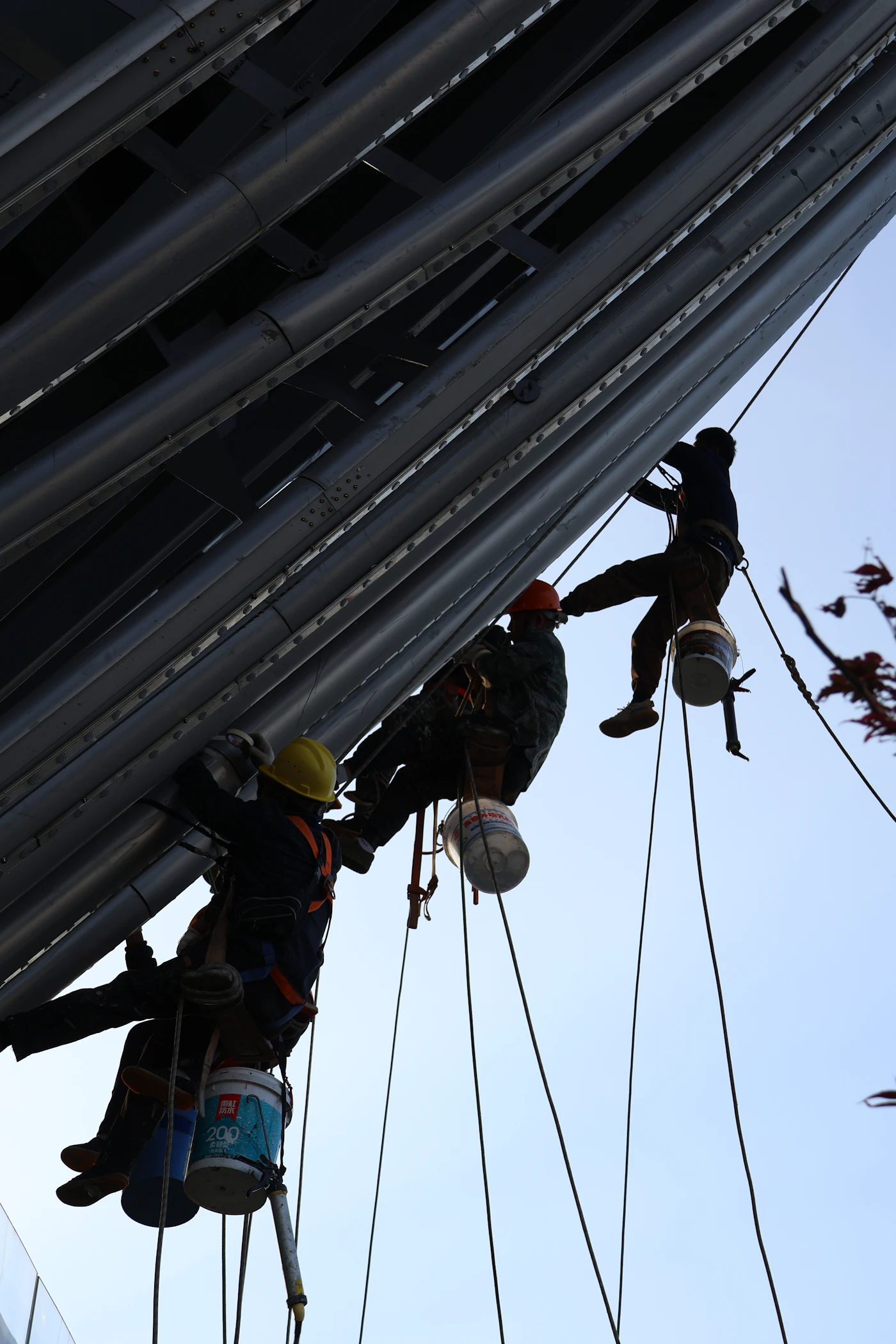
Three rope access technicians working side by side on a building exterior